Capture reliably
Record conversations with consent or capture thoughts, photos and files in the appropriate app. Start with configured access and your personal templates.
EfficiU Sessions
Capture conversations and ideas, then turn them into notes, documents, tasks and appointment proposals. Your templates, your devices — with results you can review and reuse.
A quiet companion from a loose thought to a finished work result
Sessions accepts speech, text, photos and files and uses your rules and templates to turn them into reviewable results for everyday professional work.
Record conversations with consent or capture thoughts, photos and files in the appropriate app. Start with configured access and your personal templates.
Key themes, observations and agreements from conversations are structured alongside loose ideas, photographed dates or running costs — for example as notes, to-dos, cost summaries or calendar entries for review.
Personal analysis methods, templates and workflow rules shape the right drafts from each input, such as session documentation, quotes, invoices, team minutes or a follow-up appointment proposal.
Confirmed corrections can guide later results. Approved appointments can be synchronised with a linked Google Calendar; further steps follow configured rules and permissions.
Typical uses range from client conversations and team minutes to capturing thoughts and receipts on the move.
One continuous flow
Speak, type, take a photo or upload a file in the app. My Day brings your next tasks and results together.
Sessions works quietly in the background while you hold a client conversation, record a team meeting or collect thoughts on the move.
Review and correct structured notes, analyses, documents, invoice drafts, to-dos and appointment proposals. Approved results can then move into connected workflows and calendars.
Product views
Current product views show the personal starting point and the path from input to reviewable result. All displayed content is synthetic demonstration data.
The video could not be played. Please reload the page or use the video link.
Examples for a small practice: record the normal conversation, let saved rules guide the follow-up work and review the results. See a substantive session excerpt, notes, a between-session exercise, an invoice draft and a follow-up appointment. 1:34 minutes, English narration and subtitles over the German interface. Independent fictional examples; edited original footage, professional review remains required.
Open video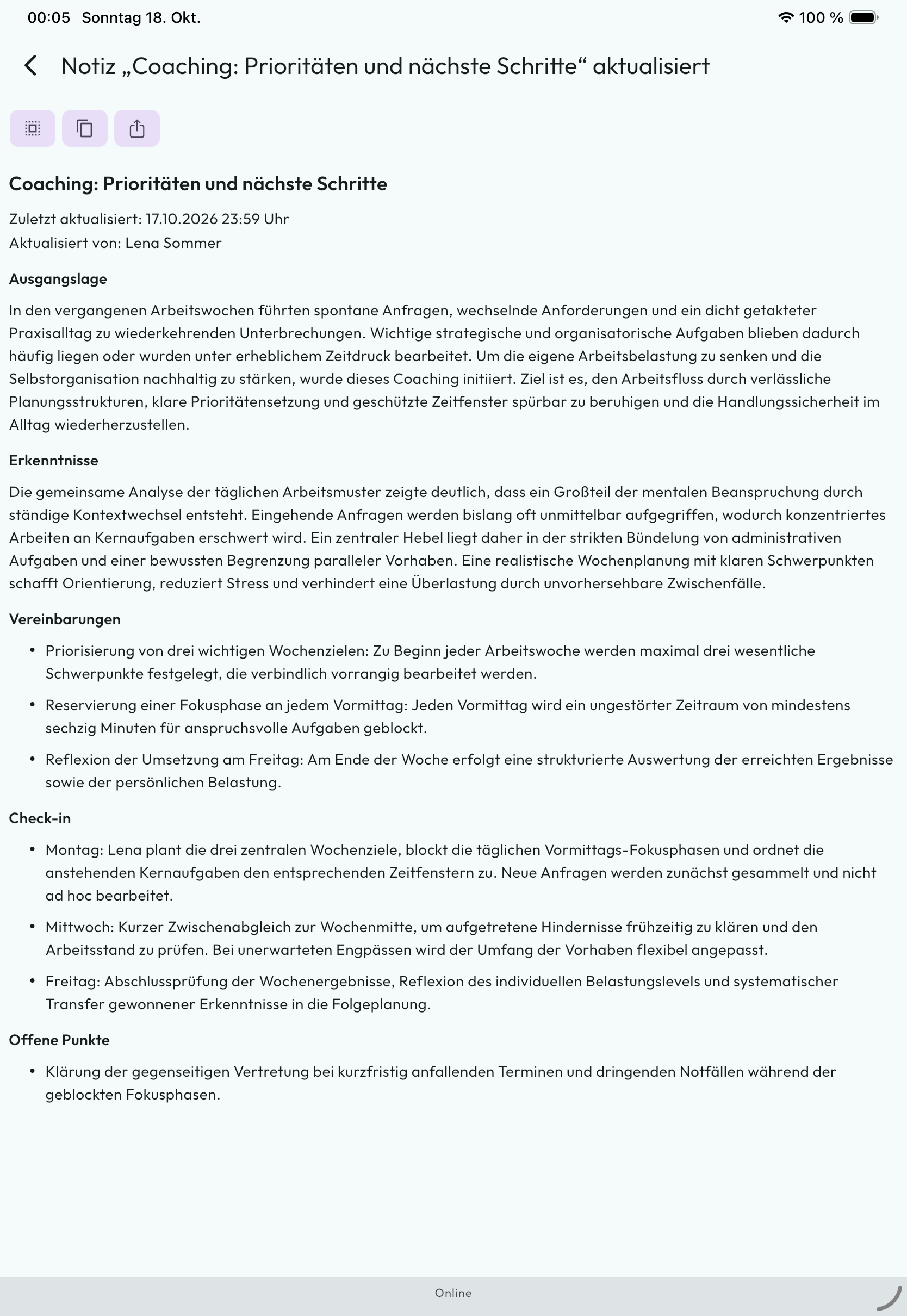
The saved note structures priorities, focus time and next steps. Review the content and use the available copy and reuse actions. The displayed coaching example is entirely synthetic.
Open full-size product view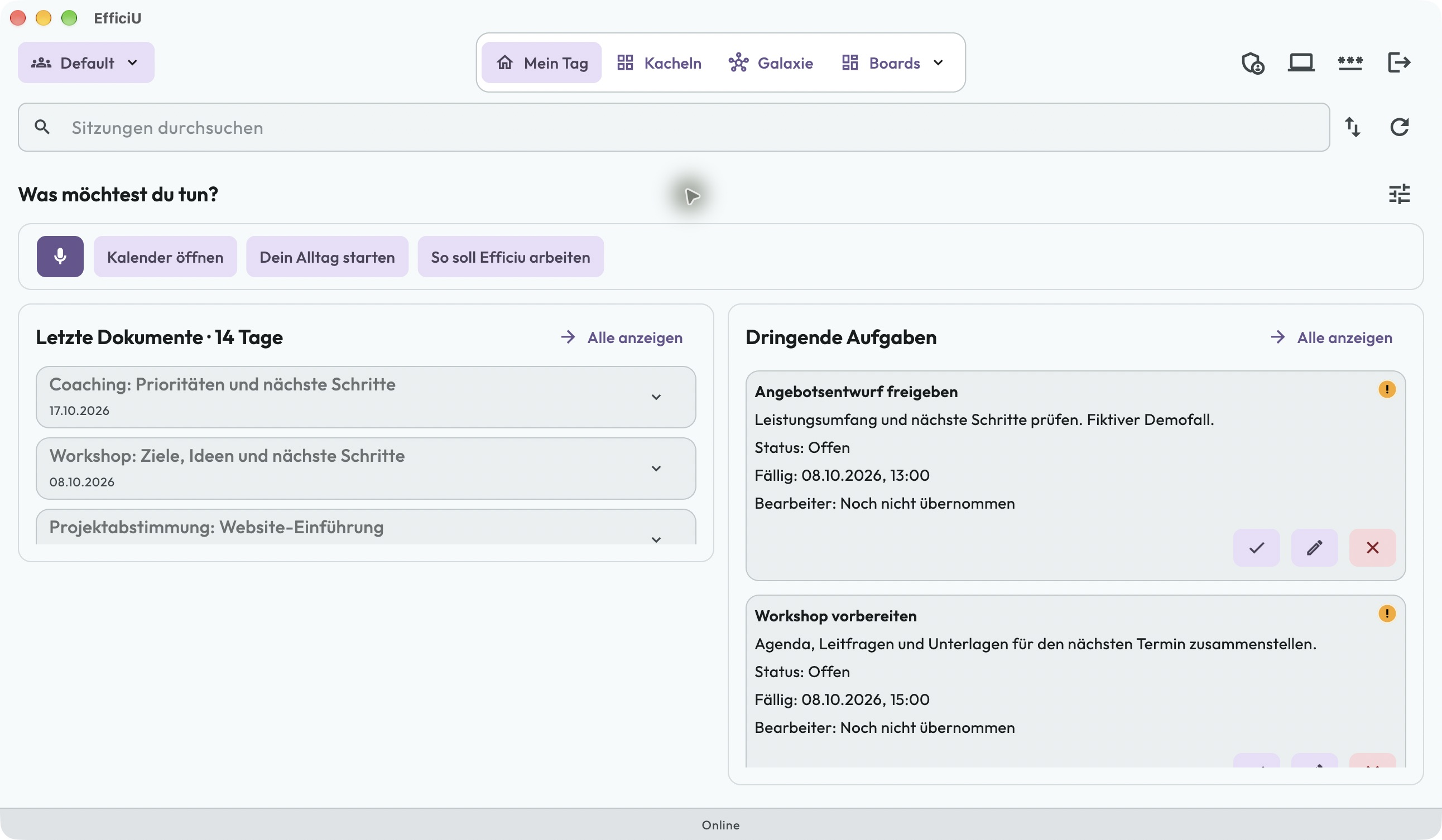
The microphone shortcut comes first, alongside personal notes, recent documents and tasks. AI-driven content adapts to your context and working instructions, keeping what matters now in the foreground.
Open full-size product view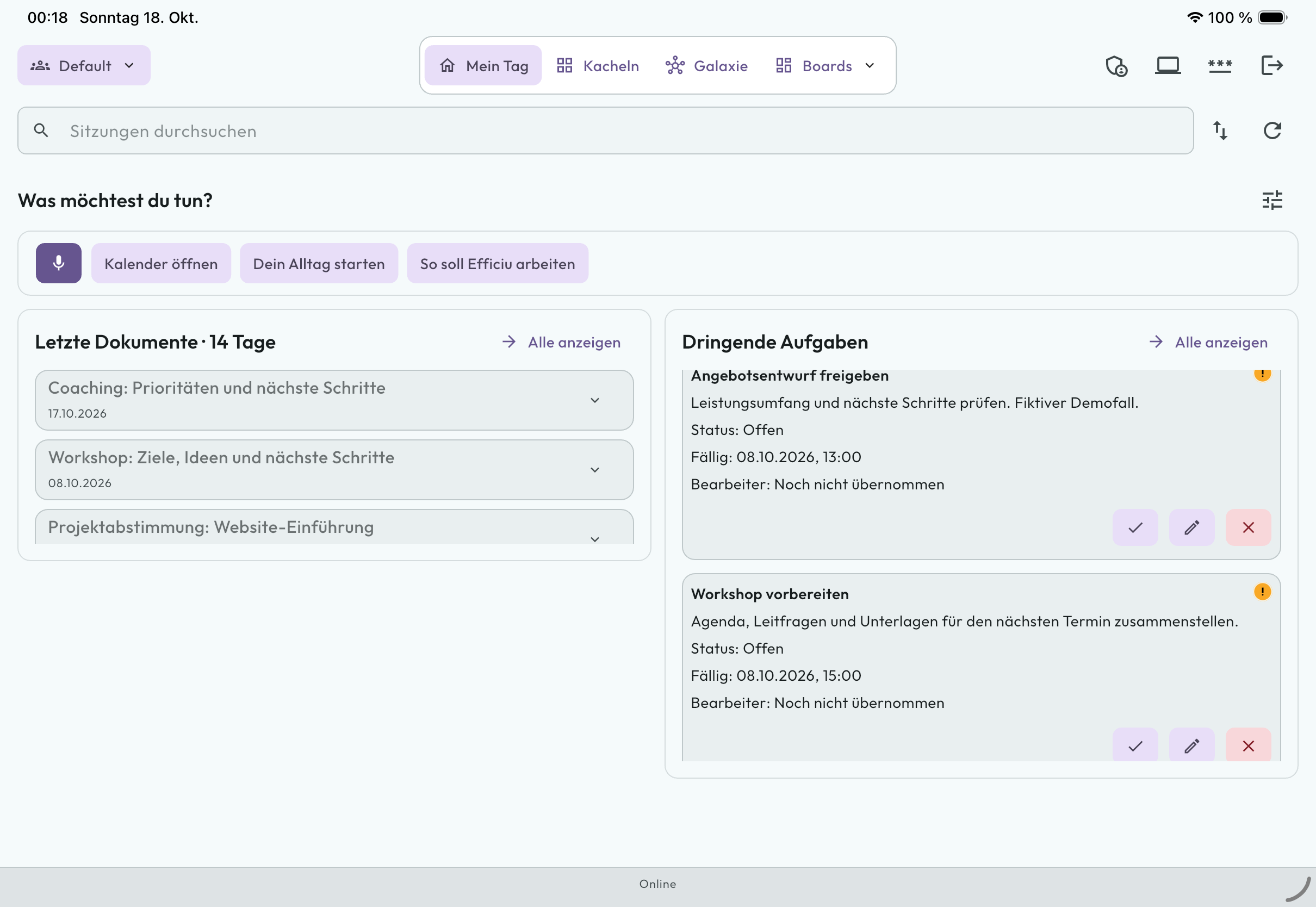
The microphone shortcut comes first, alongside personal notes, recent documents and tasks. AI-driven content adapts to your context and working instructions, keeping what matters now in the foreground.
Open full-size product view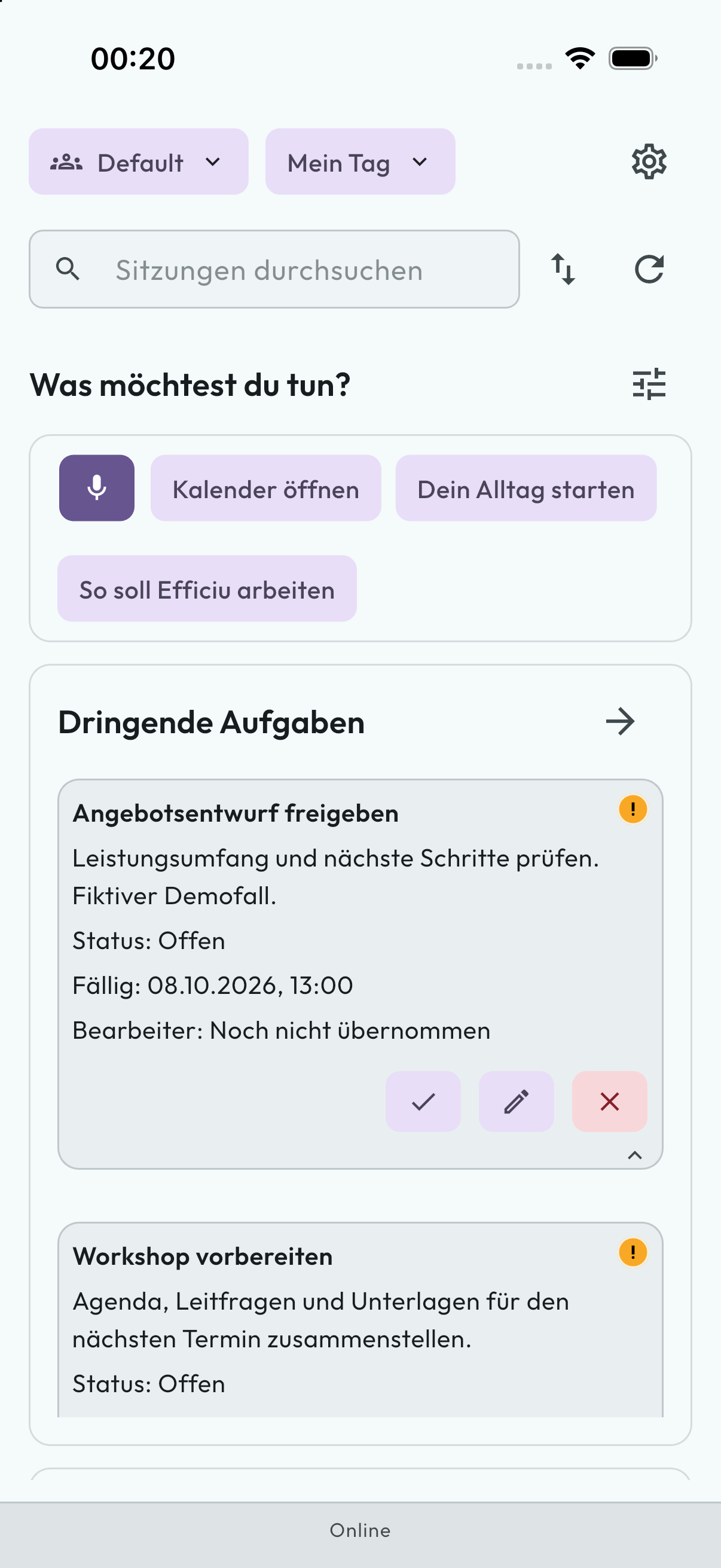
The microphone shortcut comes first on the move, with your upcoming tasks directly below. This is the real app with entirely synthetic examples.
Open full-size product view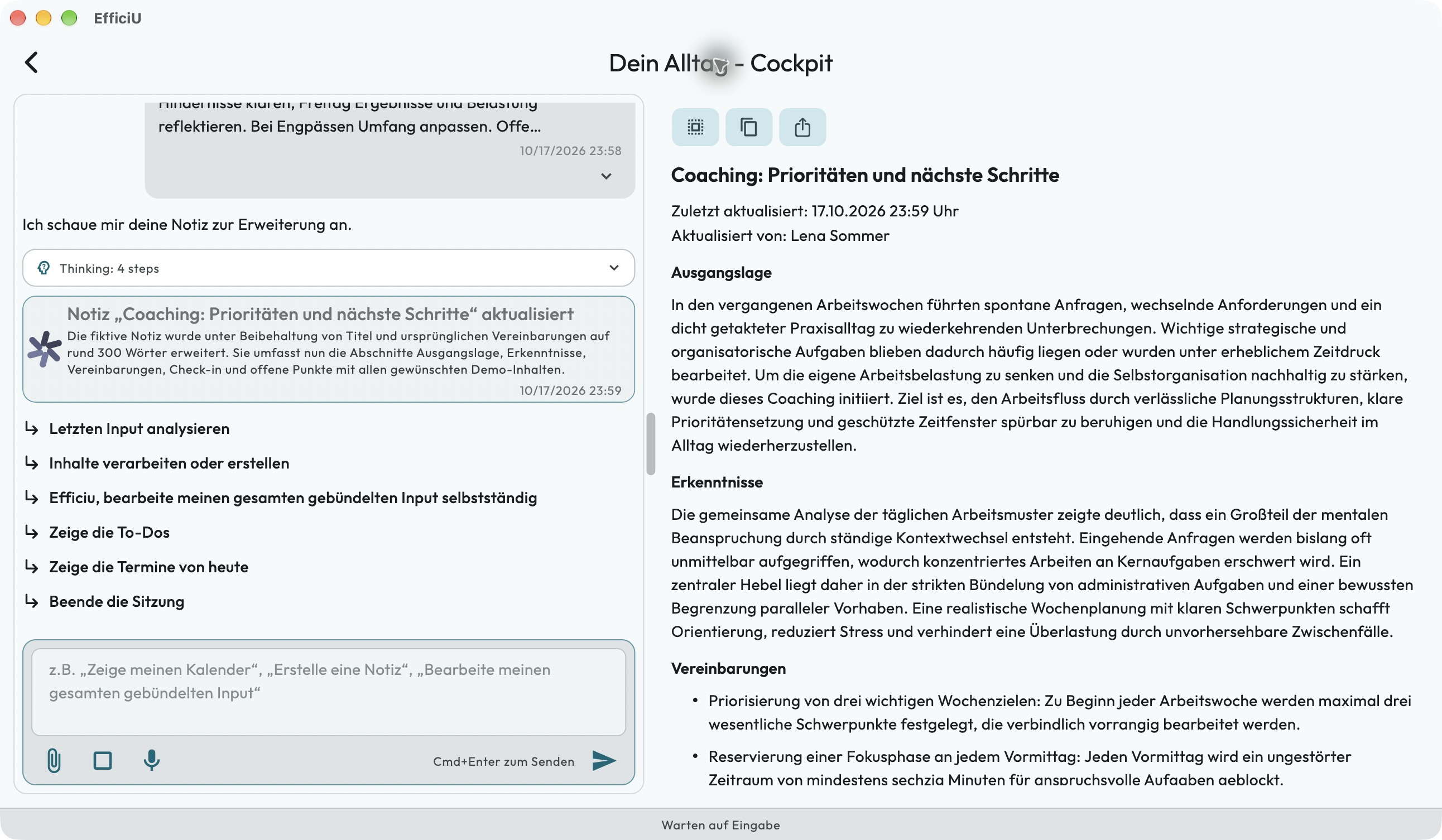
The saved note structures priorities, focus time and next steps. Review the content and use the available copy and reuse actions. The displayed coaching example is entirely synthetic.
Open full-size product view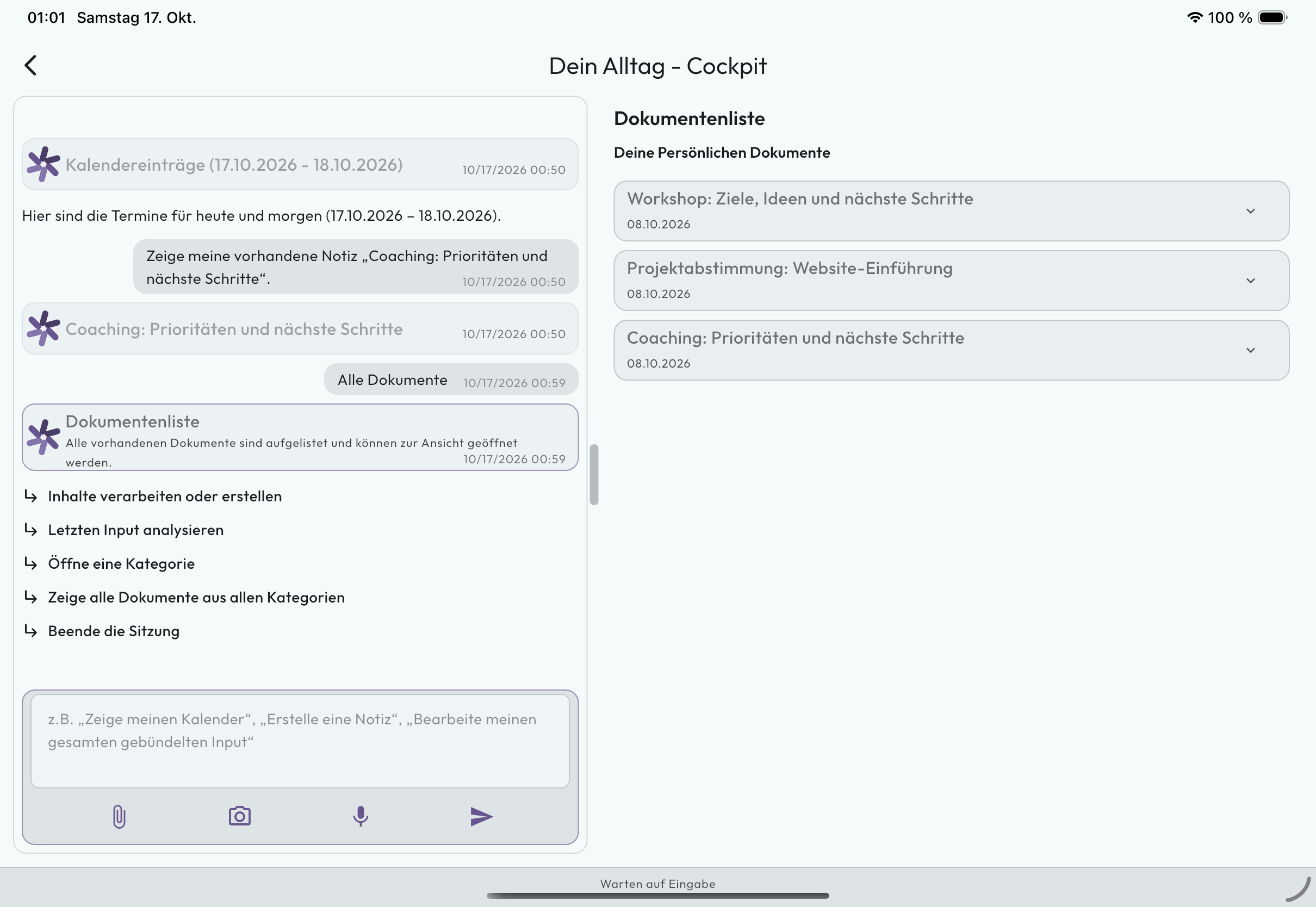
Workshop, project planning and coaching: Sessions brings saved documents into your personal overview. Open results in context instead of hunting through separate files.
Open full-size product viewAll case, patient and medical details are fictional demo data. The images show no real patient cases.
Clear pricing
Receive an individual B2B offer for your conversation work. We agree scope, price, applicable taxes and trial duration personally before you start. A free trial does not automatically become paid use; a website request triggers neither payment nor a subscription.
FAQ
EfficiU processes session content for the requested workflows. Retention periods, recipients, and safeguards follow the agreed use case and are described transparently in our Privacy Notice.
Clear data paths, access controls and approved Google Cloud and Google AI services support privacy-conscious operation. Whether a specific deployment meets all legal requirements also depends on the controller's configuration, agreements and organisational measures. A data processing agreement (DPA) is available on request.
Keep your trusted tools. EfficiU transfers approved results into supported follow-up workflows without copy-paste. Available transfers depend on the software in use.
Sessions was built for psychotherapists, coaches, Heilpraktiker, and all solo practitioners with a high documentation burden. For larger practice teams we recommend EfficiU Pulse.
We agree trial start, duration and scope personally. A free trial does not automatically become paid use. For paid continuation you receive a separate offer with price and scope; an account request is not a paid order.
EfficiU is developed and operated by NovaSubito GmbH. Our product team and external collaborators are introduced on the company website.
Request an account, confirm your email and agree scope, pricing and privacy. During owner-account creation your organisation accepts the contract terms before activation is completed.
Contact us about Sessions
Ask us your questions about Sessions. When you are ready to start, we set up Sessions with you around your conversations, templates and desired results.